

Account A
₹1L
+₹8,420
Capitalvs ₹10L book
- Trades
- 42
- Drawdown
- 3.2%
Paper trading · Strategy testing · Multi-account
Practice manual trading, connect TradingView strategies through webhooks, or run your own algorithm — then test and compare multiple virtual accounts before putting real capital at risk.
NSE · BSE · MCX · Virtual Funds
The problem
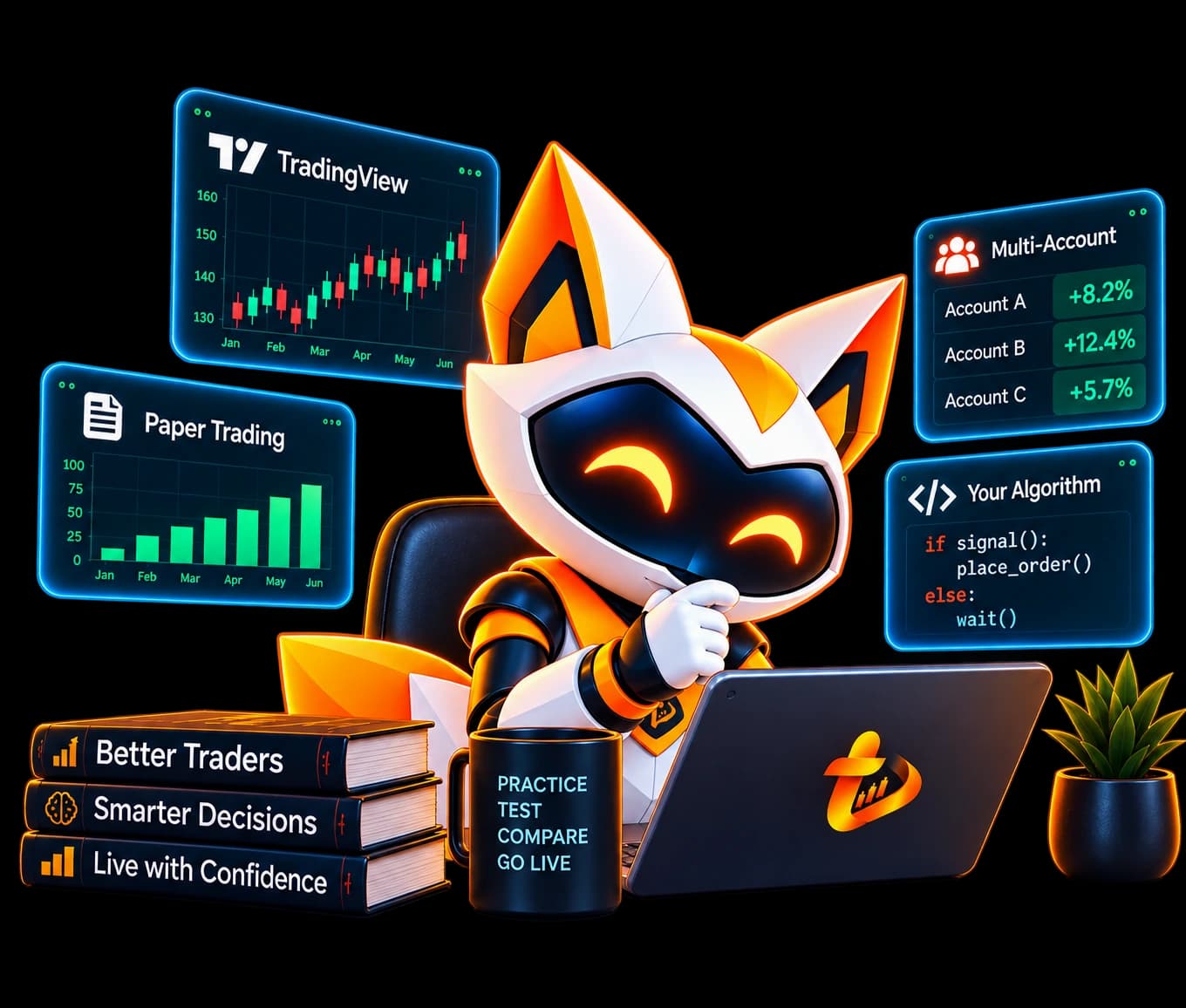
Trading strategies can look good on paper and behave very differently in a real market environment. You need a safe place to practice, connect strategies, and compare setups — before going live.
trydo.in gives you a place to test all of it.
Live capital
Costly guesses
With trydo.in
Practice first
Platform
Enter from the desk, from TradingView, or from your own stack — every path lands in the same paper-trading books.
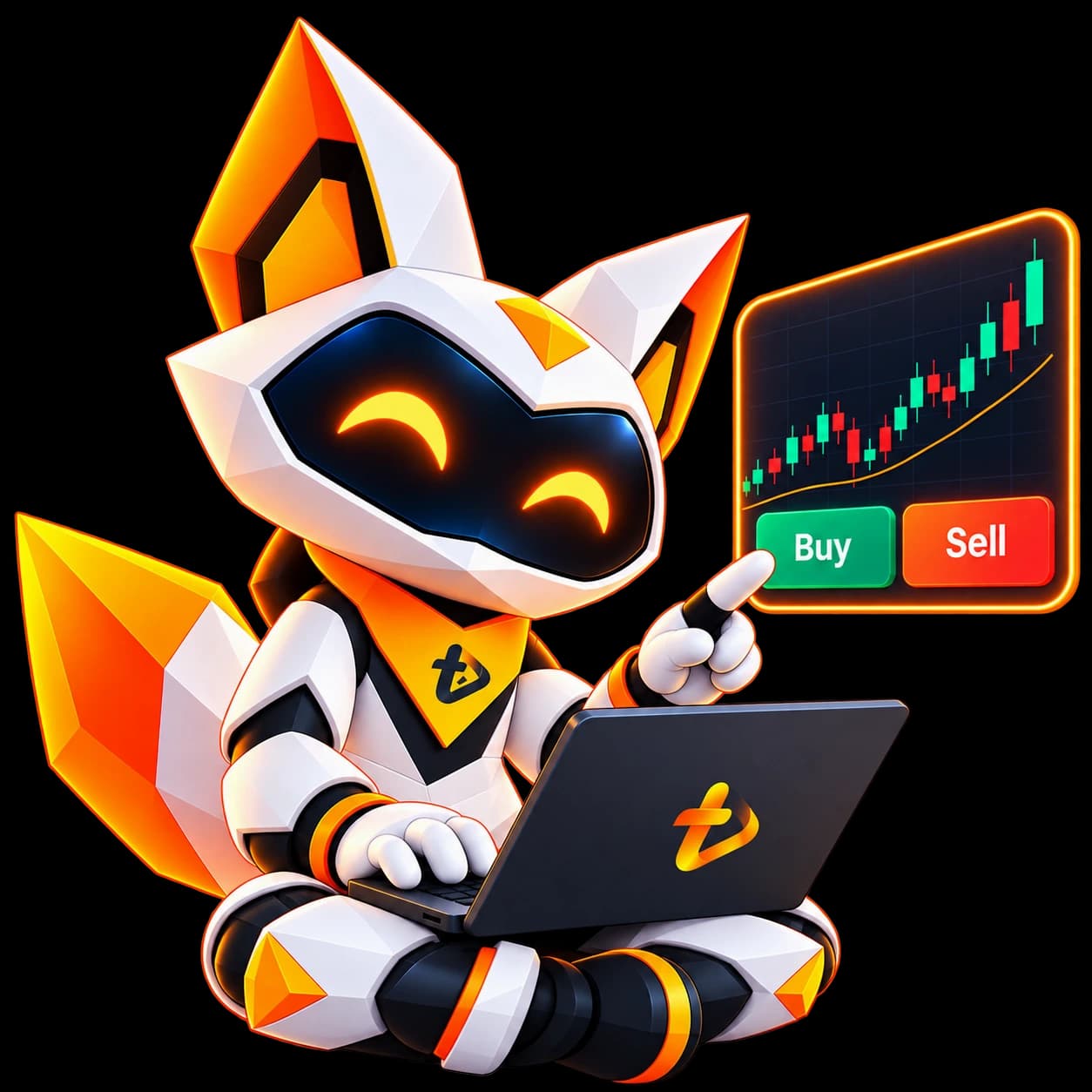
Practice it yourself.
Place buy and sell orders from the Trydo desk with virtual funds — learn the workflow before real capital.
Trade manually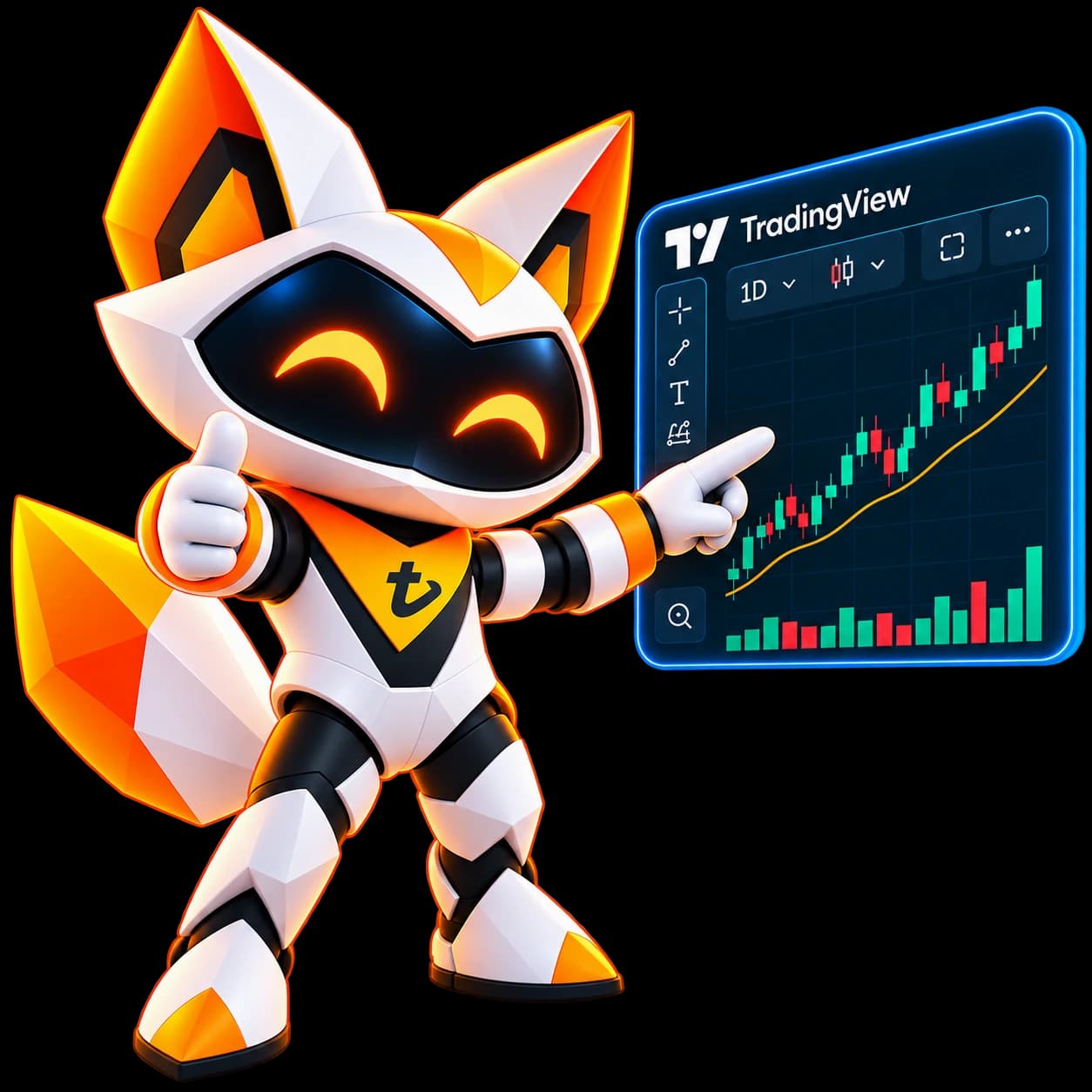
Webhook your strategy.
Fire a TradingView alert and land paper fills in Trydo — strategy to execution without rewriting the idea.
Connect alerts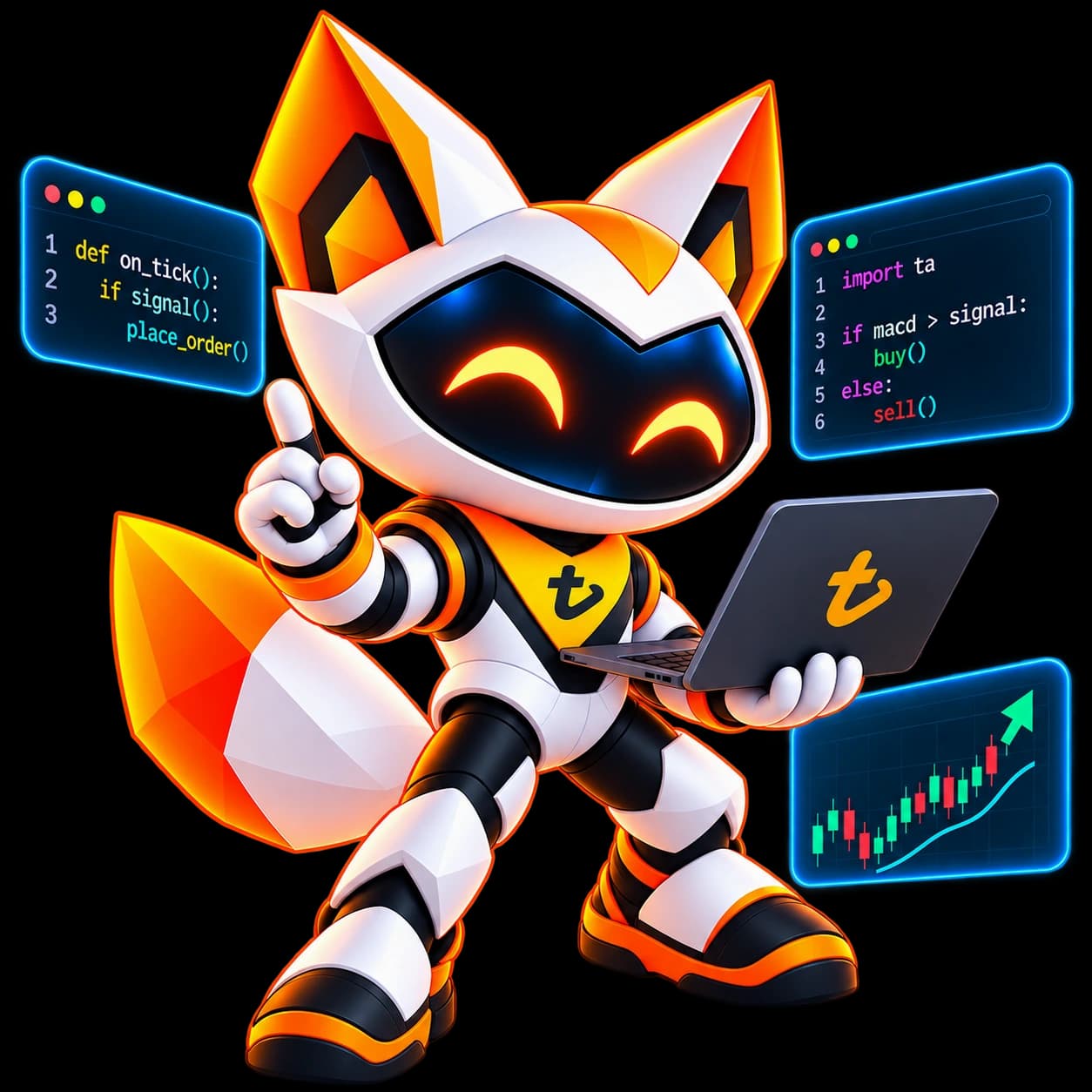
Bring your code.
Hook your app over API or webhook in the language you already use. Your rules. Your stack.
Explore APIMulti-account
Run the same idea across different virtual capital sizes and configurations — then compare how it behaves before you go live.
Account A
₹1L
+₹8,420
Account B
₹5L
+₹31,200
Account C
₹10L
+₹62,400
Don't test only one scenario. Spin up parallel virtual books and see which configuration deserves live capital.
Create Test AccountStrategy testing
A backtest tells you what happened historically. Trydo lets you observe how your strategy behaves in a simulated trading environment using current market conditions.
Backtest
Rewinds history. Useful — but it can't show live market friction.
Trydo practice
Runs against current conditions — signals, fills, positions, portfolio.
01
Turn an idea into a strategy that can fire.
02
Signals land as paper orders in a live market simulation.
03
See what the strategy did to positions and capital.
TradingView
Connect your strategy to Trydo.
Build your strategy in TradingView and use webhook alerts to send signals directly into your Trydo paper-trading environment.
TradingView
NIFTY · Strategy alert
trydo.in
Paper order filled
Position
Open · Long
Portfolio
Updated
Algo API
If you can build it, you can test it. Connect your own trading application and send signals into Trydo's paper-trading environment — without forcing a particular stack.
Your strategy. Your code. Your rules.
Explore APIYour stack
trydo.in
Paper-trading environment
Signal in
BUY NIFTY
Result
Filled
One endpoint. Your code. Virtual capital.
Product
One desk for markets, orders, positions, and the signals that feed them — so you can see the full path from idea to paper fill.
Monitor instruments and market movements.
Track paper orders and execution status.
See your active positions.
Monitor virtual capital and holdings.
Review previous trades.
Compare multiple virtual accounts.
Track trades from connected strategies.
How it works
Six steps from a virtual account to comparing configurations — without putting real capital at risk.
Create a virtual account.
Trade manually, connect TradingView, or connect your own algo.
Your order or strategy signal reaches Trydo.
Trydo processes it in the paper-trading environment.
Review orders, positions and portfolio performance.
Run multiple accounts and compare different configurations.
Markets
Paper-trade the exchanges you already watch — with virtual funds and the same instrument universe you care about.
Practice equity and derivatives strategies.
Test strategies against BSE instruments.
Experiment with commodity trading.
Who it's for
From first trade to multi-account research — Trydo gives each trader a safe place to practice and compare.
Learn how trading works without risking real capital.
Practice entries, exits and portfolio management.
Connect strategies through webhooks.
Connect algorithms in your preferred language.
Experiment with different configurations and scenarios.
Test new ideas before deploying with real capital.
Why Trydo
A simple loop: practice safely, connect what you already use, experiment across accounts, compare outcomes, then refine before you go live.
Trade using virtual funds.
Bring TradingView or your own algorithm.
Create multiple virtual accounts.
See how different configurations behave.
Learn from the results before going live.
trydo.in
Run multiple virtual accounts and compare the results — without putting real capital at risk.
Try before you live trade.

FAQ
Short answers on paper trading, TradingView, APIs, and multi-account testing.
trydo.in
Pick a path — manual desk, TradingView alerts, or your own algo — and start with virtual funds.
Manual Trading
Start with a virtual account
TradingView
Connect your strategy
Your Algo
Connect your algorithm
Practice today. Trade live when you're ready.
Start Testing Free